

Blox Fruits Calculator
Compare editorial value estimates for the fruits on both sides of an offer. The result is a reference, not a guarantee that a trade is fair or will be accepted.
Your Items
Wanted Items
Estimated Value Difference
Trade Value Calculator
The calculator totals the selected physical or permanent estimate for each side. Beli is shown for physical fruits and Robux for permanent fruits so unlike price types are not mixed.
Smart Trade Analysis
The indicator shows the numerical difference between two editorial estimates. Demand, utility, and recent updates can still make accepted offers differ.
Value Type Toggle
Easily switch between physical and permanent values. Compare multiple fruits and combinations to find the perfect trade match.
Trading Insights
Use the comparison as one input, then check the complete offer, recent updates, and whether the received fruits fit your goals.
How to Use the Calculator
Select Fruits: Click the '+' button to add fruits to both sides of the trade. Add multiple fruits to calculate combined values.
Choose Value Type: Toggle between physical and permanent values to see different trade perspectives. The calculator updates values automatically.
Check Results: Review the numerical difference at the bottom, then consider demand, utility, and your own goals before deciding.
Value notice: calculations use periodically reviewed editorial estimates, not live market data, cash prices, or guaranteed exchange rates.
Calculator Tutorial Video

Trading From Rocket To Dragon Fruit In 24 Hours (Blox Fruits)

10 Stages of Every Blox Fruits Trader

Trading NEW Permanent Mythical Fruits in Blox Fruits
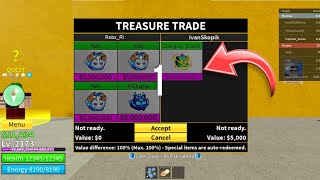
I SPENT 24 HOURS GETTING ALL THE RAREST TRADES IN BLOX FRUITS!